

PlayOn+Roku = Streaming Nirvana
Combine the PlayOn Streaming DVR with your Roku and get the fully-featured streaming experience you've come to expect at a fraction of the price of cable or satellite. PlayOn lets you record shows and skip over the commercials just like with a cable DVR. Record expiring titles and watch them even after they're no longer available online, or take your streaming recordings with you on your laptop, tablet, or smartphone when you're on the go. PlayOn does all of that for you!
The All-In-One Media Server
With PlayOn Home on your PC, a Roku, and the PlayOn Cloud App on your phone, you've got a powerful streaming media system. With a PlayOn Home plan you can cast your personal videos, photos and music to your PC. Or, record streaming videos and watch them on your Roku without the ads.

Record Streaming Videos
Record streaming shows and movies from over 20 channels. Initiate recordings on the Roku or from your PC.
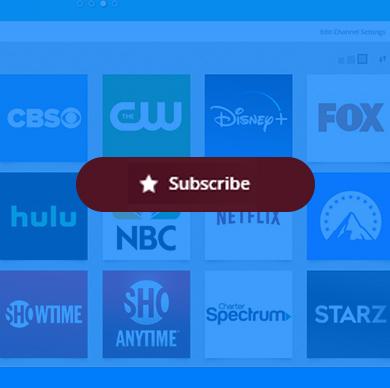
Automatically Record New Episodes
Set up a 'subscription' to your favorite shows and PlayOn Home will automatically record new episodes as they become available.
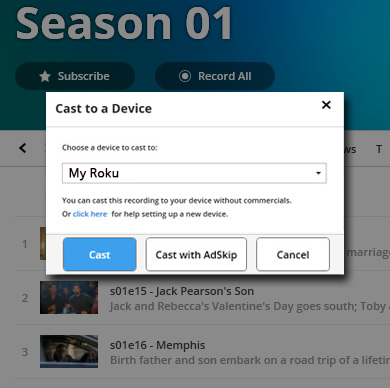
Skip the Ads
Watch recordings on your Roku and automatically skip over any commercials.
Save It For Later
Record and watch shows after they have expired from Netflix, Hulu, and more.
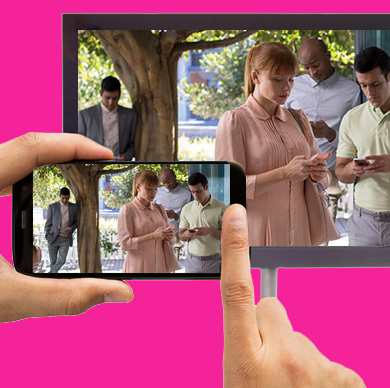
Cast to your Roku
Cast streaming videos to your Roku from your desktop PC, tablet, or phone.

All-In-One Media Server
Watch any of your personal videos or photos on your Roku.
How to Record and Watch PlayOn Recordings on Your Roku
STEP 1Download and install PlayOn Home on your PC and follow the setup instructions for Roku in the Quick Start Guide.STEP 2Select the shows you want to record from the PlayOn Home app and add them to your queue.STEP 3Click on a completed recording in your PlayOn Home app, then tap the cast buttonand select your Roku from the device list.
OR, watch PlayOn Home recordings with the PlayOn Cloud app on your mobile device. Open PlayOn Cloud, tap on Recordings, and click on the Home tab at the top. You will see a list of your Home recordings you can cast to your Roku as long as you’re on the same network.
That’s it. You'll be able to watch your recordings from Netflix, Hulu, HBO Max, Disney+, The CW and more. When you cast your recordings, just select "Yes" for AdSkip and watch network TV recordings commercial-free.