
Best of Cord Cutting Award 2023-24

Get a great deal on unlimited recordings of your favorite titles!
Or, choose a quarterly plan:
All PlayOn Home plans are backed by a 30-day money-back guarantee.
No PC? Check out PlayOn Cloud.
Record, Download and Cast All Your Favorites.
All From One Place.
Unlimited Recordings
Record and download any
streaming video from your
favorite streaming services.

Watch on Your TV
Cast to your
Roku, Chromecast,
Fire TV and more.
Mobile Access
Download videos to your
phone or use your phone as a casting remote from PlayOn Cloud.
Skip the Ads
Watch a recorded show
or movie and automatically
skip the commercials.

Record in 1080p
Get the full picture.
Make FHD 1080p recordings.

Show Subscriptions
Automatically record new
episodes as soon as
they are released.

Record a Series
Record an entire season
of your favorite series
with a single click.
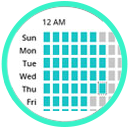
Off-Peak Recording
Schedule recordings
to take advantage of
off-peak bandwidth.

Closed Captioning Support
Enable closed captioning
and subtitles when you watch.
A New, Better Way To Stream.
PlayOn Home
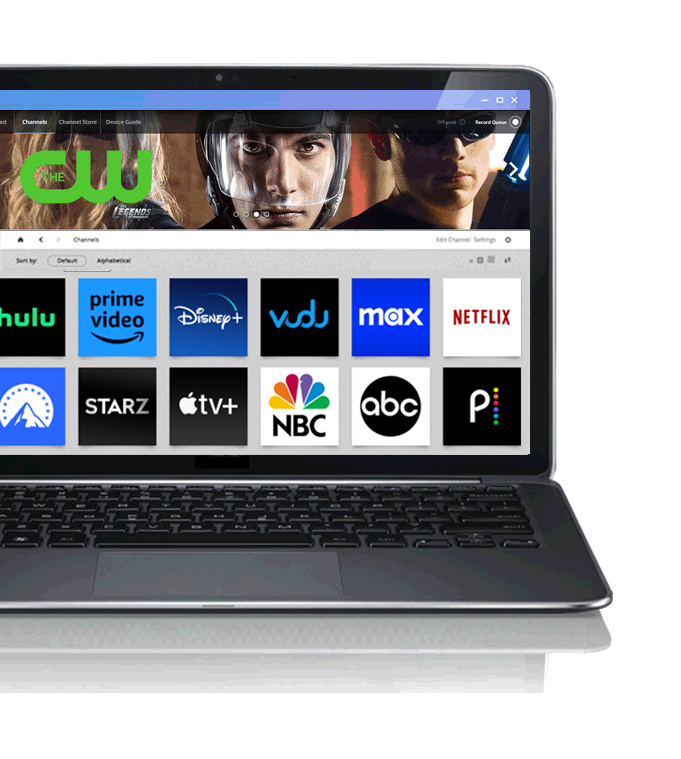
PlayOn Home is a way to record, cast, and stream your favorite online shows and movies from Netflix, Hulu, Amazon, HBO and many other popular streaming sites. Watch anywhere, anytime, on any device, without ads — even offline. Get unlimited recordings for one low license fee. Just install it on your PC and you're ready to go.
As Featured In: