

PlayOn Home is a robust PC app that enables you to record streaming video. Record from all of your favorite streaming channels like Netflix, Hulu, Amazon, Disney+, Max and more. Once a show or movie is recorded, you can watch anywhere, anytime, even offline. Cast it to your TV or take it to go on your mobile device. PlayOn will even automatically skip the commercials for you when you watch. PlayOn Home turns your PC into a fully-featured DVR for streaming video.
PlayOn Home Features:
Record Anything
Record streaming video from top streaming sites including Netflix, Hulu, Amazon, and HBO Max. See what's on »


Unlimited Recordings & Downloads
Download any streaming video from your favorite streaming services. Unlimited recordings for a low monthly fee.

Watch on Your TV
Cast to your Roku, Chromecast, Fire TV and more.
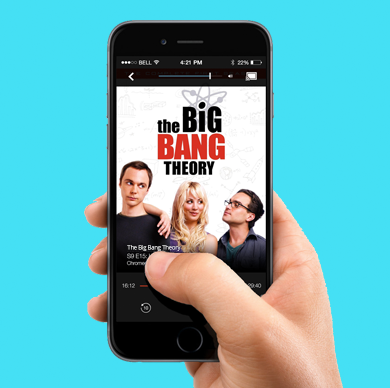
Mobile Access
Download videos to your phone or use your phone as a casting remote from PlayOn Cloud.
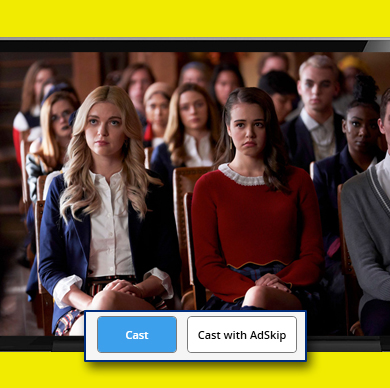
Skip the Ads
Automatically skip the ads when you watch. Save $$ with ad-supported plans.

Show Subscriptions
Automatically record new episodes as soon as they are released.

Record a Series
Record an entire season of your favorite series with a single click.

Off-Peak Recording
Schedule recordings to take advantage of off-peak bandwidth.

Closed Captioning Support
Enable closed captioning and subtitles when you watch.

Your Media on Your TV
Cast your personal videos, photos and music with the Media Library.

24/7 Email Support
Have any questions for us? We're happy to help. Just email us at support@playon.tv.